> ## Documentation Index
> Fetch the complete documentation index at: https://hacktronai-changelog-5b138732.mintlify.site/llms.txt
> Use this file to discover all available pages before exploring further.
# Findings and feedback
> Understand where Hacktron posts Code Review findings and how feedback improves future reviews.
Hacktron posts Code Review findings where developers already work.
## Inline findings
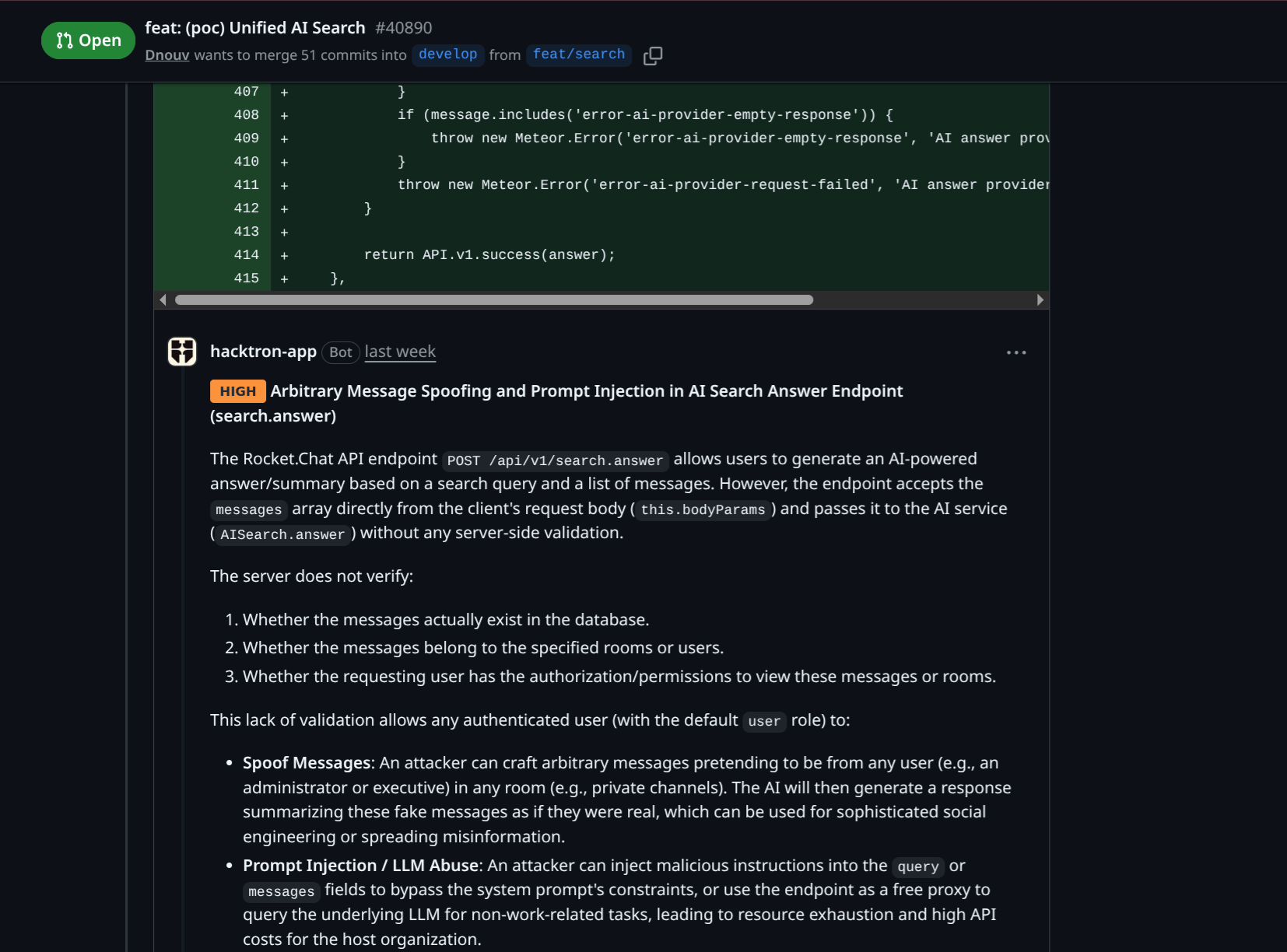
Findings are posted inline on GitHub PRs and GitLab MRs when a vulnerability is detected in the code change.
Sometimes, a finding may involve code that is not directly within the diff.
This can happen when Hacktron detects a vulnerability in e.g. a function
that is called by code in the diff.
In this case, Hacktron may report the finding in the file affected (if it is
changed as part of the PR/MR) or in an expandable **"Findings outside
diff"** section.
## Public repositories
When a repository is **public**, Hacktron keeps sensitive outside-diff finding details out of the public pull request thread.
Inline findings on the diff itself are still visible.
 ## Triage comments
You can leave triage comments on findings to help improve future reviews. This helps Hacktron understand
whether something is a false positive, accepted risk, or a true positive finding.
Every triage comment your team leaves on a finding becomes training signal.
Over time, Hacktron Review builds a deep understanding of your specific attack surface and threat model,
so reviews get sharper, with fewer false positives and more of the bugs that actually matter to your app.
You can comment directly on the finding in GitHub or GitLab with:
* `!fp ` to mark the finding as a false positive
* `!accepted_risk ` to mark the finding as an accepted risk
* `!valid ` to mark the finding as a true positive
## Triage comments
You can leave triage comments on findings to help improve future reviews. This helps Hacktron understand
whether something is a false positive, accepted risk, or a true positive finding.
Every triage comment your team leaves on a finding becomes training signal.
Over time, Hacktron Review builds a deep understanding of your specific attack surface and threat model,
so reviews get sharper, with fewer false positives and more of the bugs that actually matter to your app.
You can comment directly on the finding in GitHub or GitLab with:
* `!fp ` to mark the finding as a false positive
* `!accepted_risk ` to mark the finding as an accepted risk
* `!valid ` to mark the finding as a true positive
 From the finding page in the web platform, you can adjust finding severities and
states: Open, True Positive, False Positive, Accepted Risk, or Resolved.
When you adjust the severity or state, you can add a reason for the change.
This will be recorded and used to improve future reviews.
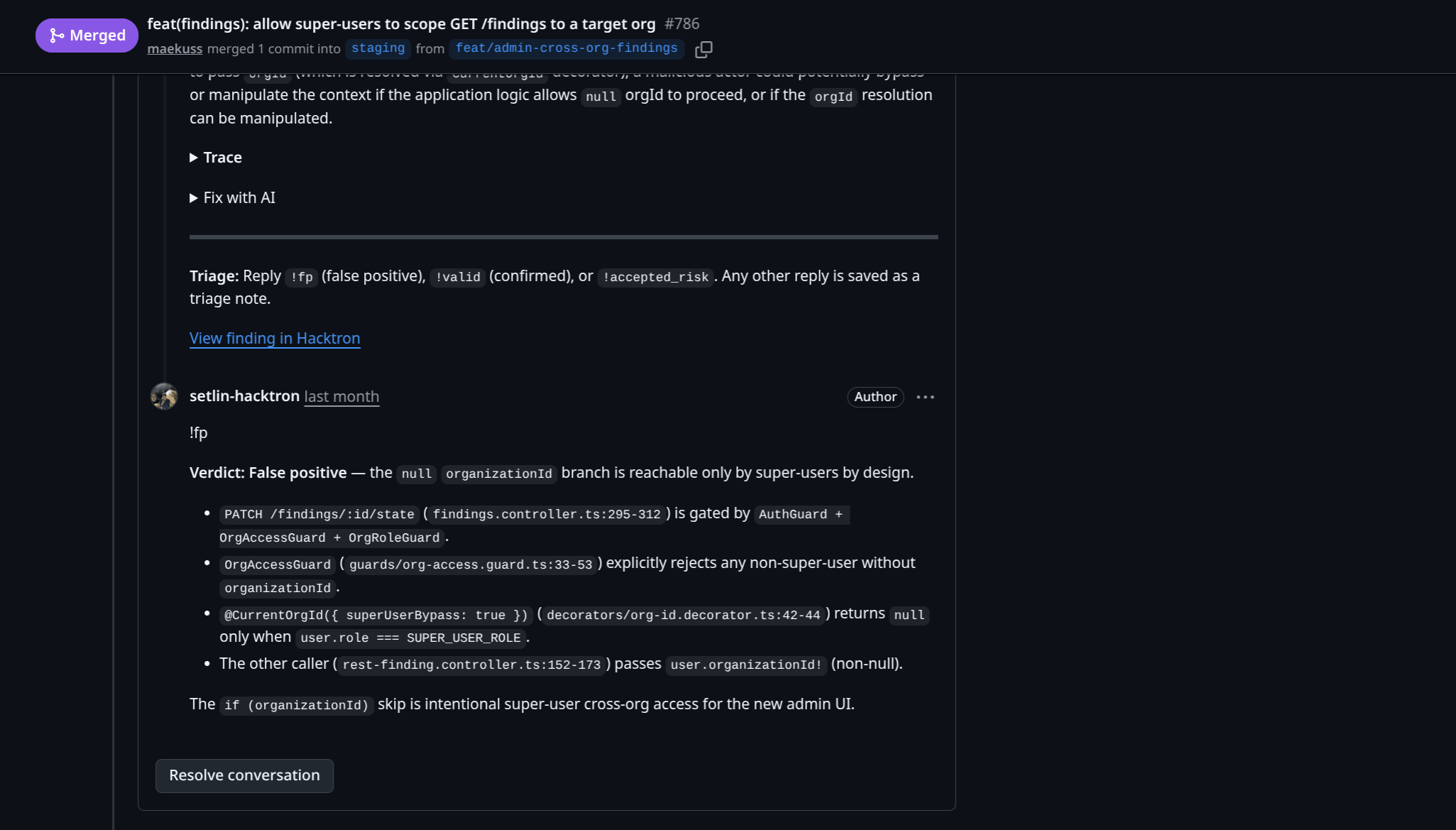
When Hacktron's Slack app sends a finding in your configured channel,
you can leave a triage comment and mark the finding as a false positive or accepted risk,
or mark the finding as valid.
Open the finding card and click on **Mark Valid** or **Triage Comment**.
From the finding page in the web platform, you can adjust finding severities and
states: Open, True Positive, False Positive, Accepted Risk, or Resolved.
When you adjust the severity or state, you can add a reason for the change.
This will be recorded and used to improve future reviews.
When Hacktron's Slack app sends a finding in your configured channel,
you can leave a triage comment and mark the finding as a false positive or accepted risk,
or mark the finding as valid.
Open the finding card and click on **Mark Valid** or **Triage Comment**.
 ## Duplicate findings
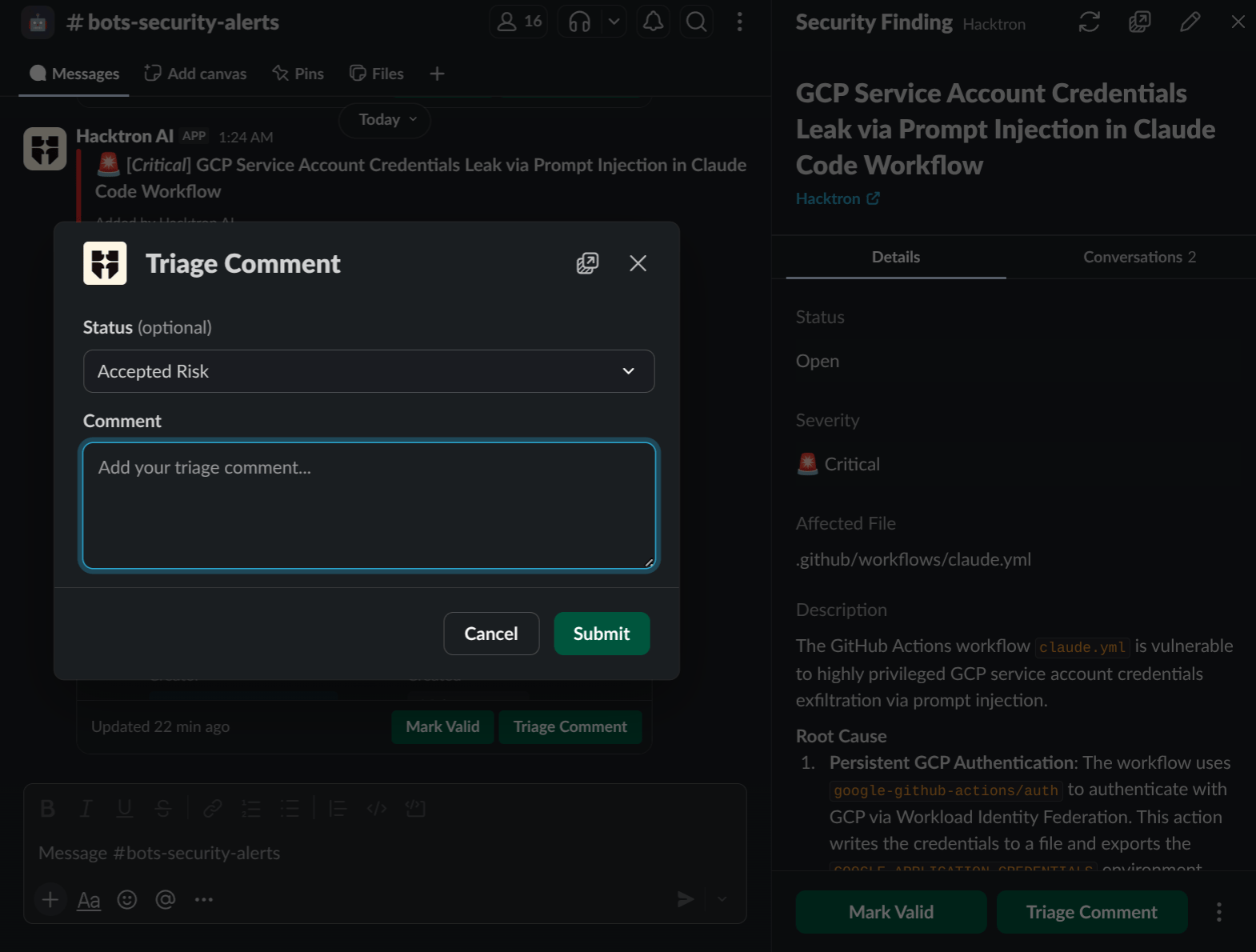
When a new finding is posted, Hacktron checks if it is a duplicate of a previously posted finding.
For example, if a pull request is merged containing a vulnerability, Hacktron may automatically deduplicate a new finding
from a subsequent pull request.
## Duplicate findings
When a new finding is posted, Hacktron checks if it is a duplicate of a previously posted finding.
For example, if a pull request is merged containing a vulnerability, Hacktron may automatically deduplicate a new finding
from a subsequent pull request.
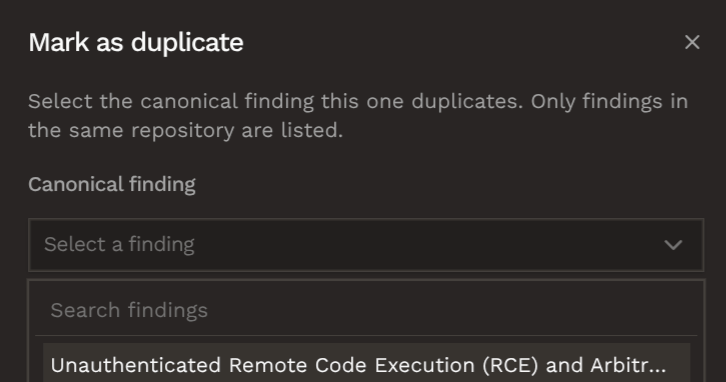
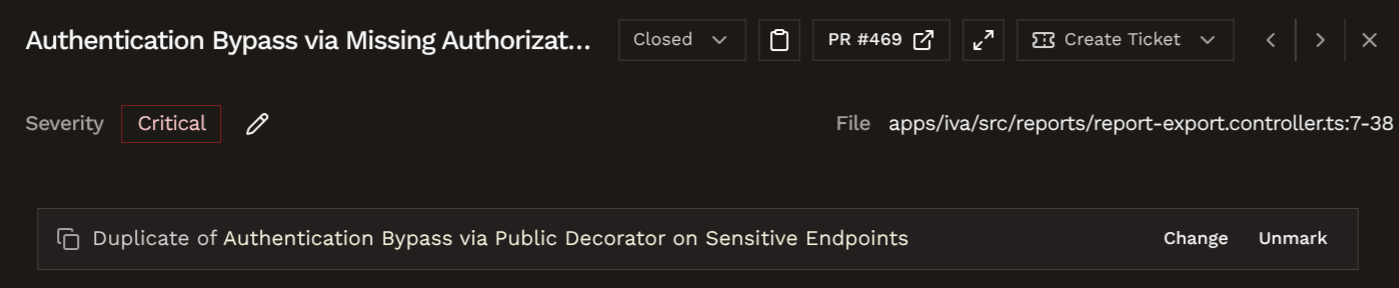 You can also manually mark a finding as a duplicate of another finding by
clicking on the **Mark as duplicate** button in the finding page.
You would need to select a **canonical (original) finding** in the same repository as the new finding.
You can also manually mark a finding as a duplicate of another finding by
clicking on the **Mark as duplicate** button in the finding page.
You would need to select a **canonical (original) finding** in the same repository as the new finding.
 ## Checks update on triage
If a [fail-on gate](/code-review/config#fail-the-check-on-findings) is configured, triaging a finding updates the GitHub check (or GitLab commit status) right away.
For example, if the fail-on gate is configured to fail on high severity findings, triaging a high severity finding as a false positive
or accepted risk will update the GitHub check (or GitLab commit status) to pass. Reopening the finding will cause the check to fail again.
## Feedback loop
Triage feedback helps Hacktron adapt to your codebase. Comments and project rules
give Hacktron signal about what is urgent, trusted, irrelevant, or intentionally ignored for a specific repository.
When a later commit fixes a finding, Hacktron can recognize the remediation and close stale alerts automatically.
## Related setup
Add `.hacktron/rules.md` to provide repository-specific review context.
Send approved findings to Jira or Linear.
## Checks update on triage
If a [fail-on gate](/code-review/config#fail-the-check-on-findings) is configured, triaging a finding updates the GitHub check (or GitLab commit status) right away.
For example, if the fail-on gate is configured to fail on high severity findings, triaging a high severity finding as a false positive
or accepted risk will update the GitHub check (or GitLab commit status) to pass. Reopening the finding will cause the check to fail again.
## Feedback loop
Triage feedback helps Hacktron adapt to your codebase. Comments and project rules
give Hacktron signal about what is urgent, trusted, irrelevant, or intentionally ignored for a specific repository.
When a later commit fixes a finding, Hacktron can recognize the remediation and close stale alerts automatically.
## Related setup
Add `.hacktron/rules.md` to provide repository-specific review context.
Send approved findings to Jira or Linear.